Coda.
The all-in-one AI workspace for teams.
Build everything from wikis to project plans to goal trackers, keeping everyone perfectly in sync. Now part of the BrickStack suite.
Coda is home base for better teamwork
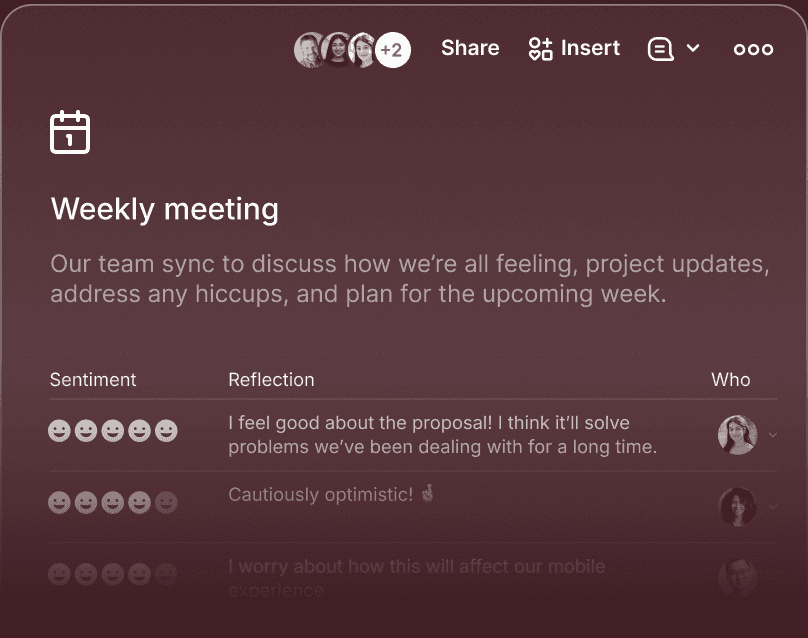
Why Coda just clicks
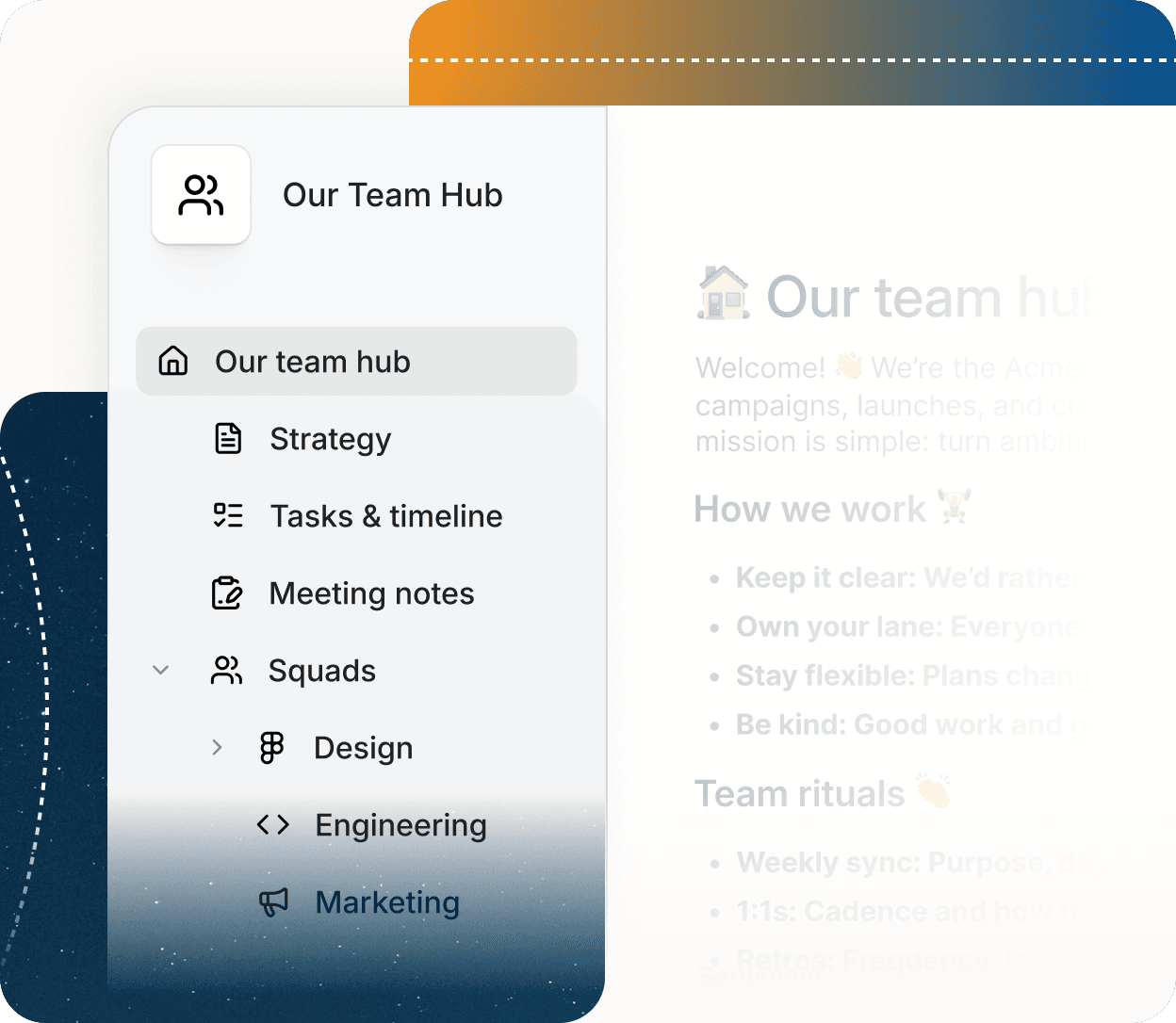
There’s one central spot
Coda keeps everyone aligned with one place for all the latest, from project updates to upcoming deadlines.
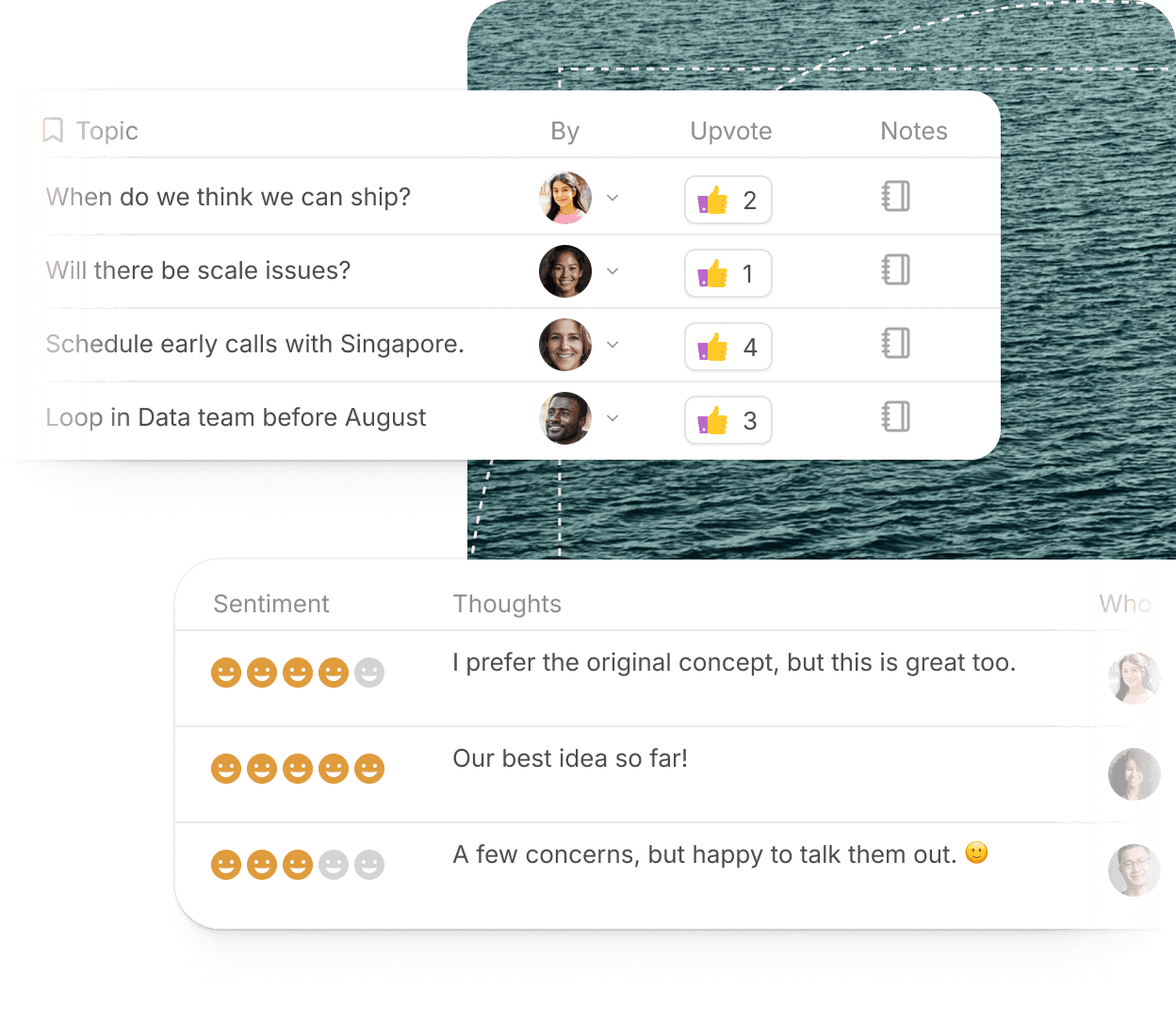
Works how you work
Coda’s building blocks mean teams can create a process that fits how they work, accelerating decision making.
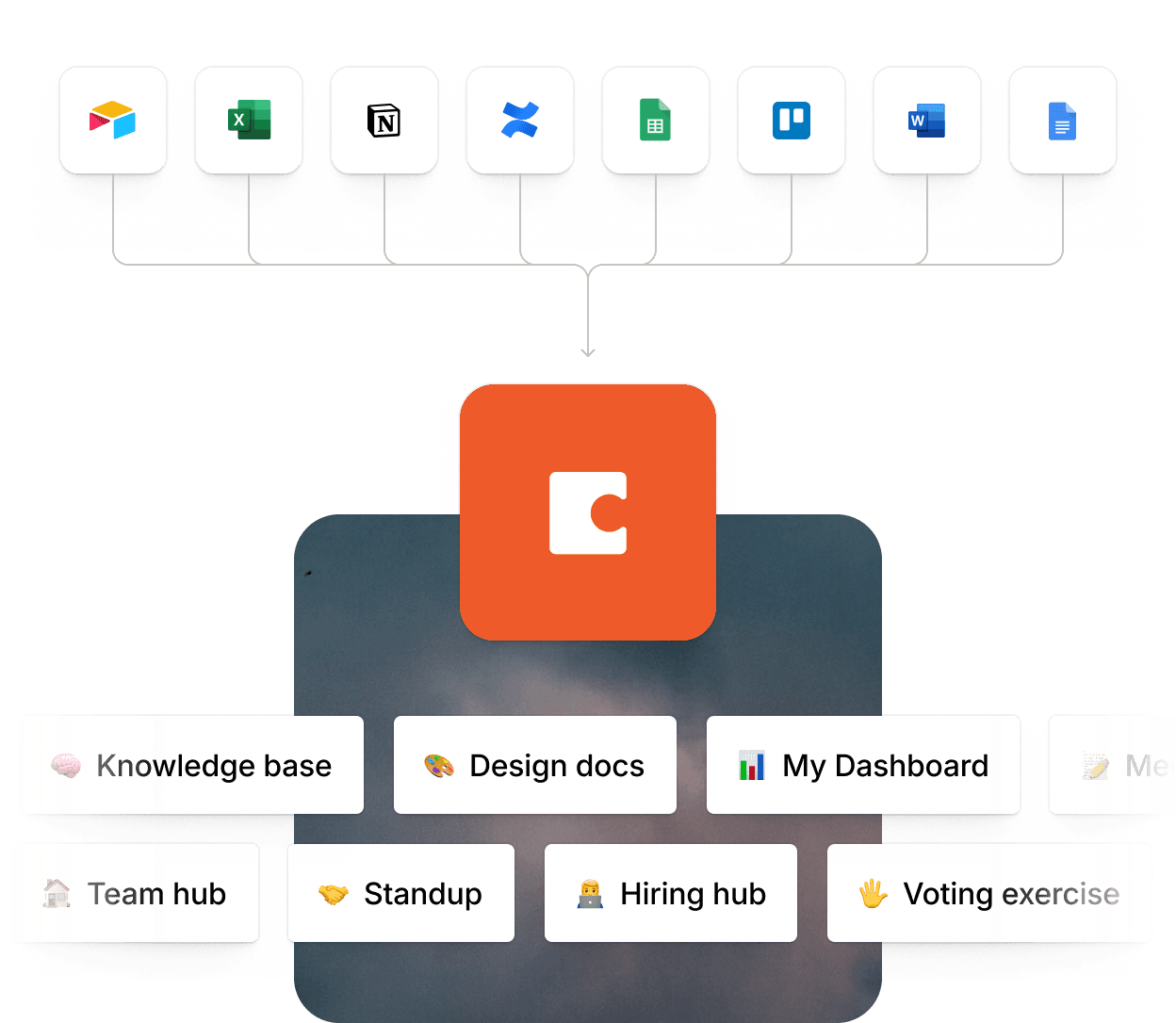
Tool chaos quiets down
Coda enhances your favorite tools and helps you replace others, reducing costs and increasing focus.
What teams love about Coda

“The best thing about Coda is the flexibility and the power that it offers. That blank canvas with all of the tables and packs waiting make it head and shoulders above any other existing platform. I love using it for simple docs, but you can also build custom apps and reports for your team to give them superpowers.”


“Coda has become our company intranet. We've ritualized docs for running meetings, doing Kanban-style project tracking for our blog, and even housing our company values.”

Frequently asked questions
Coda is a collaborative workspace that combines documents, spreadsheets, databases, and workflows. It empowers teams to centralize their work and build powerful, customizable tools without needing to code.
Unlike traditional docs, Coda is interactive and dynamic. You can embed databases, add interactive buttons, automate tasks, and connect to external tools, making your documents act more like apps.
Coda core features are available for free and there are tiered paid plans that scale with your team's needs. Find more information about pricing here.
Coda is designed for teams of all sizes—from startups to Fortune 500 companies. It's especially popular with product managers, operations teams, marketers, and engineers who want flexible tools tailored to their workflows.
No coding knowledge is required. Coda uses simple, intuitive building blocks like tables, formulas, and Packs (integrations) so anyone can build powerful docs.
Yes—many teams use Coda as their project hub. You can create roadmaps, assign tasks, track progress, and even automate reminders, all within one customizable doc.
Coda lets teams co-edit in real time, leave comments, and create interactive dashboards. With granular permissions, you can control who views or edits specific parts of a doc.
Yes. Coda integrates with dozens of popular tools via Packs and APIs, so your workflow remains connected. You can also embed content like Figma files, YouTube videos, or live dashboards directly into docs.
Coda offers enterprise-grade security with SOC 2 compliance, SSO (single sign-on), granular access controls, and encrypted data to keep your information safe.
Sign up for a BrickStack account today for free and get access to Coda's core features.
Get more possibilities in every moment
BrickStack supports every aspect of your day and helps you move faster, think more deeply, and do the work only you can do.